Chapter 01 · Splash
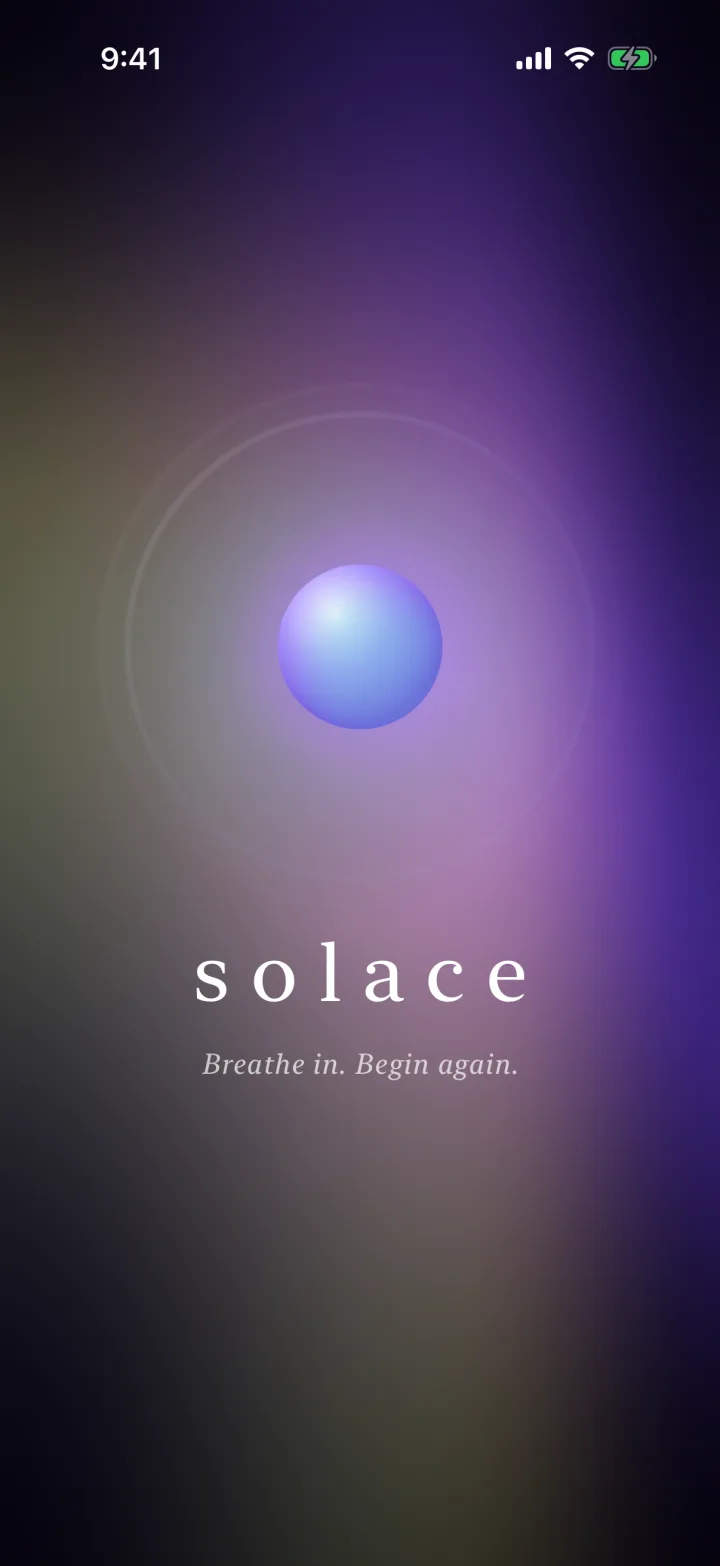
A point of light blooms.
No spinner, no logo slam. A single point of light swells into the orb that anchors the whole app, while the aurora wakes up behind it and the wordmark settles in.
A calmer phone.
A premium meditation, sleep and wellbeing app in the spirit of Calm × Oura × Apple Fitness+: living aurora gradients, frosted glass, editorial serif type and a breathing orb at its centre.
Scroll through Solace the way a user meets it, from first launch to the last tab. Each chapter is a real simulator capture.
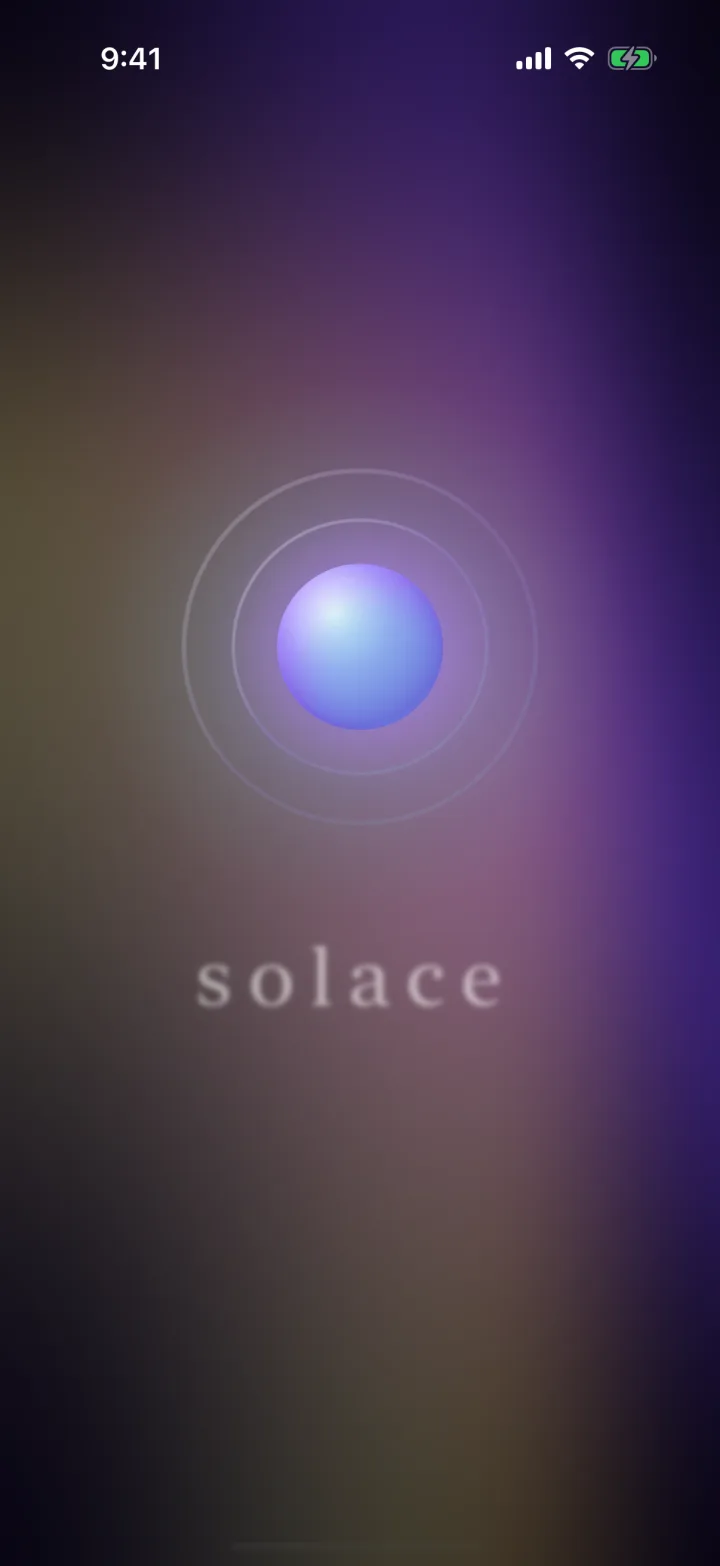
01 Splash · bloom
No spinner, no logo slam. A single point of light swells into the orb that anchors the whole app, while the aurora wakes up behind it and the wordmark settles in.
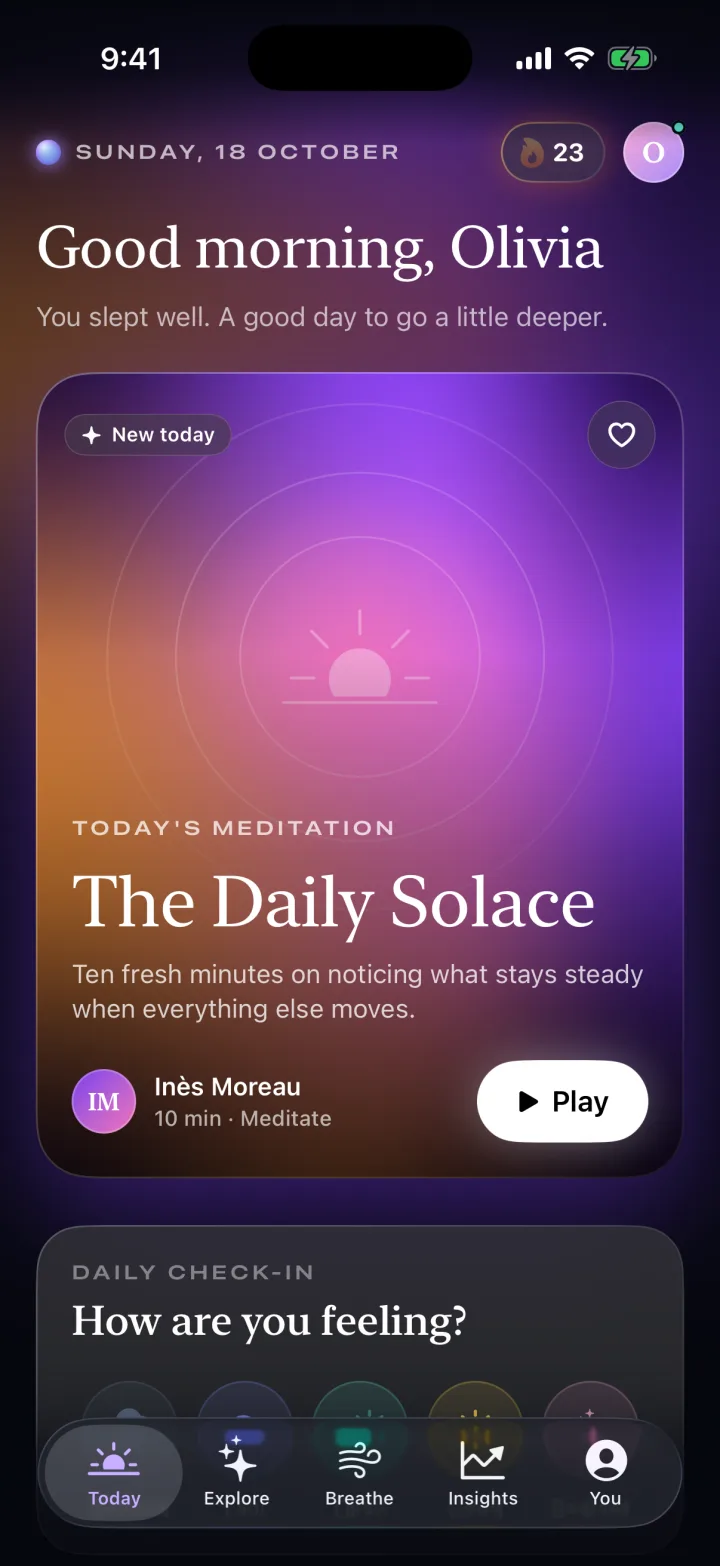
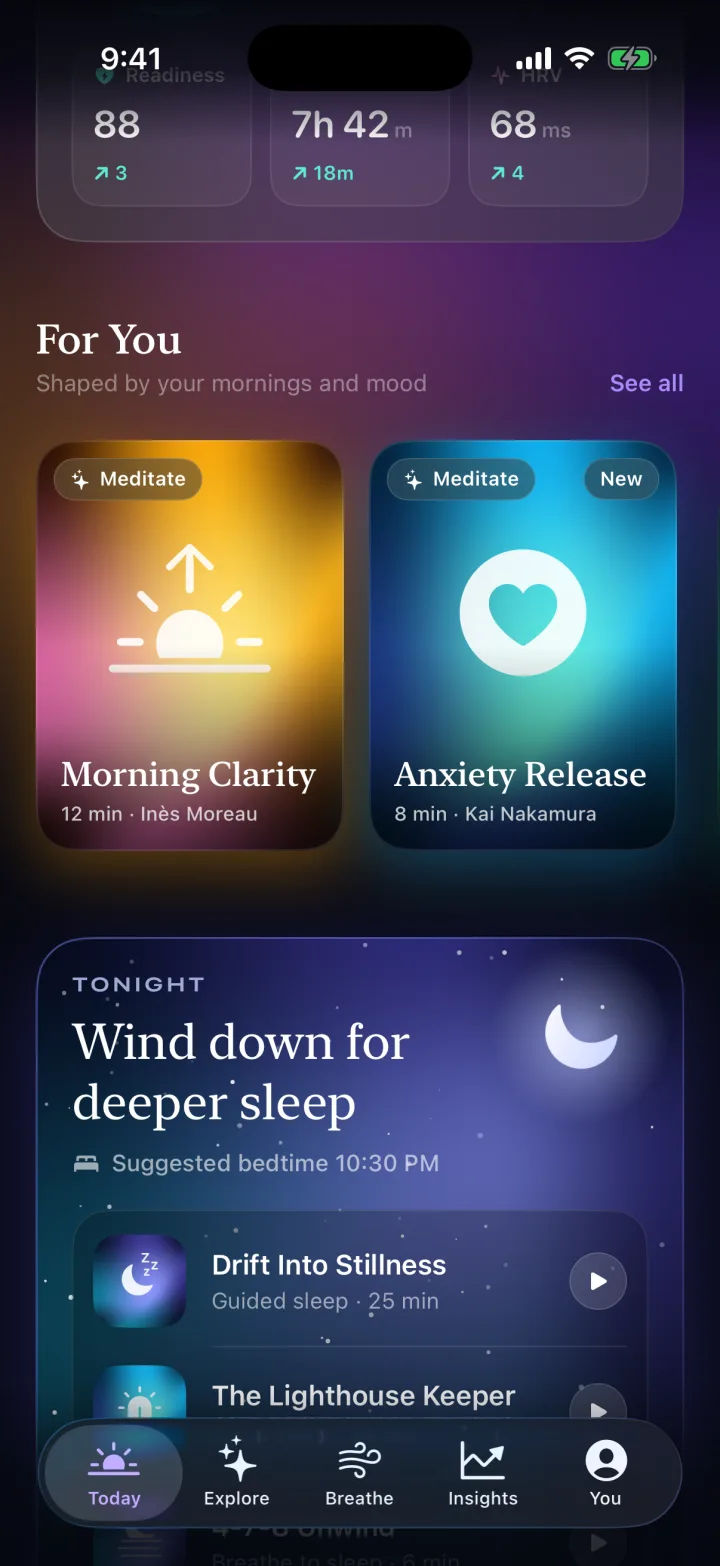
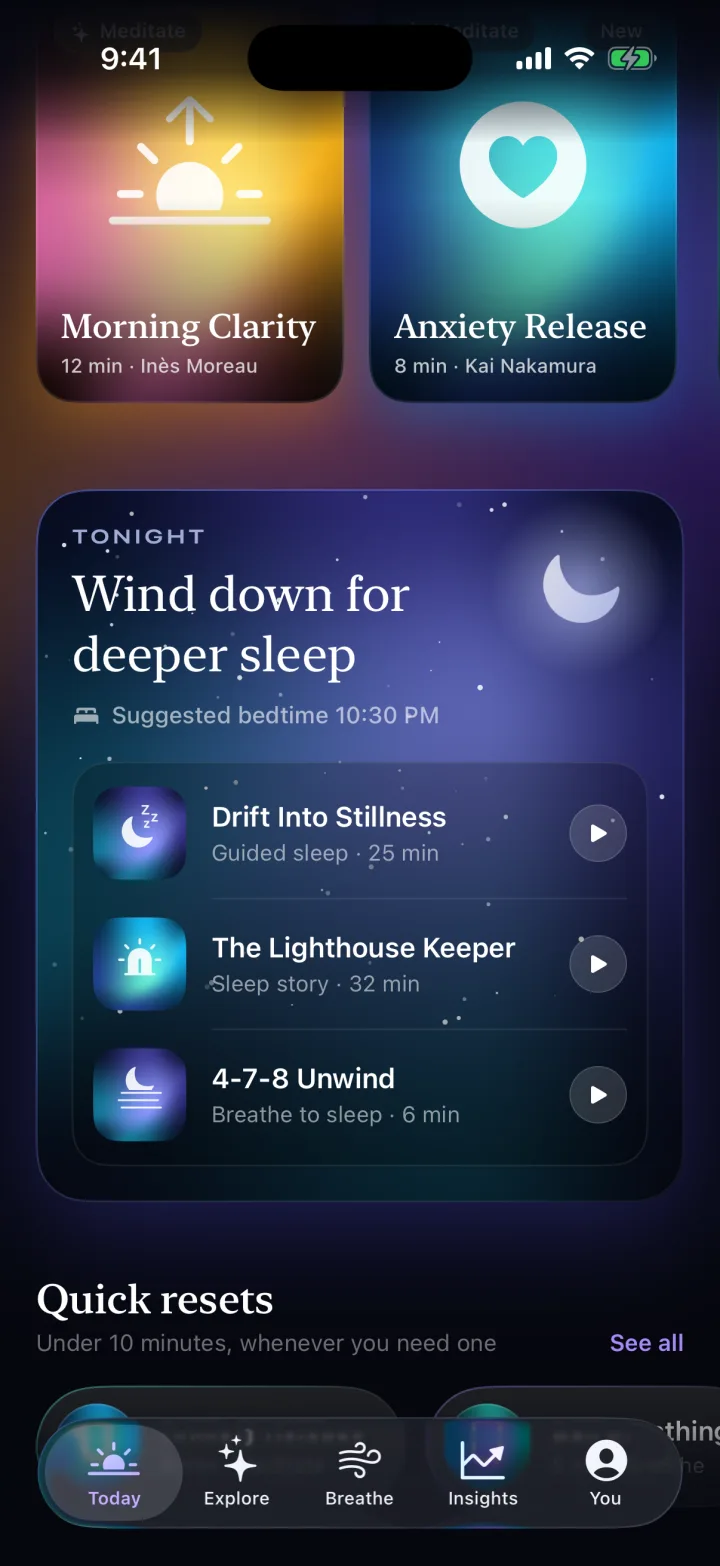
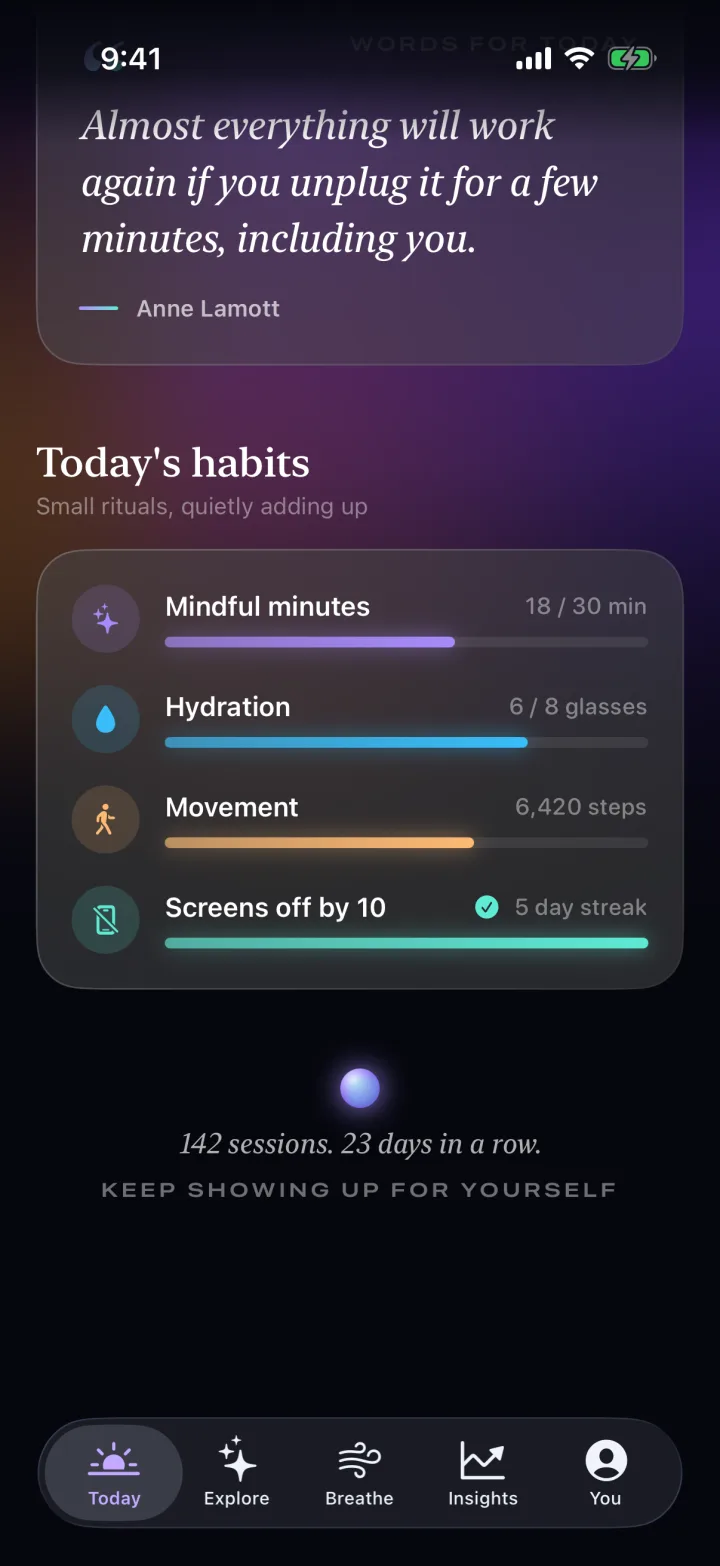
A time-aware greeting, “The Daily Solace” hero, then For You, Tonight, collections, a quote card and habits, each on frosted glass over the living gradient.
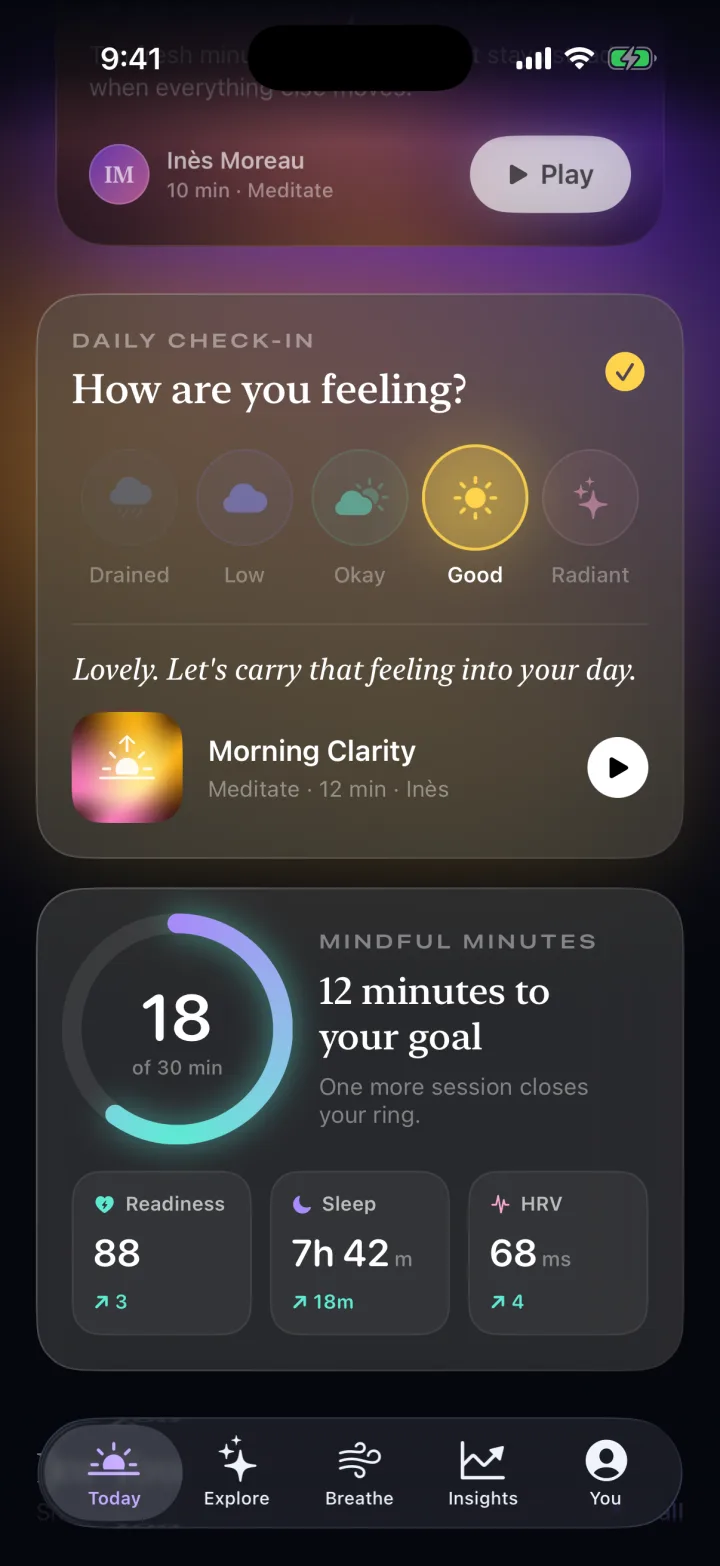
A one-tap mood check-in responds with a gentle suggestion, beside a mindful-minutes ring and readiness, sleep and HRV tiles whose numbers roll rather than jump.
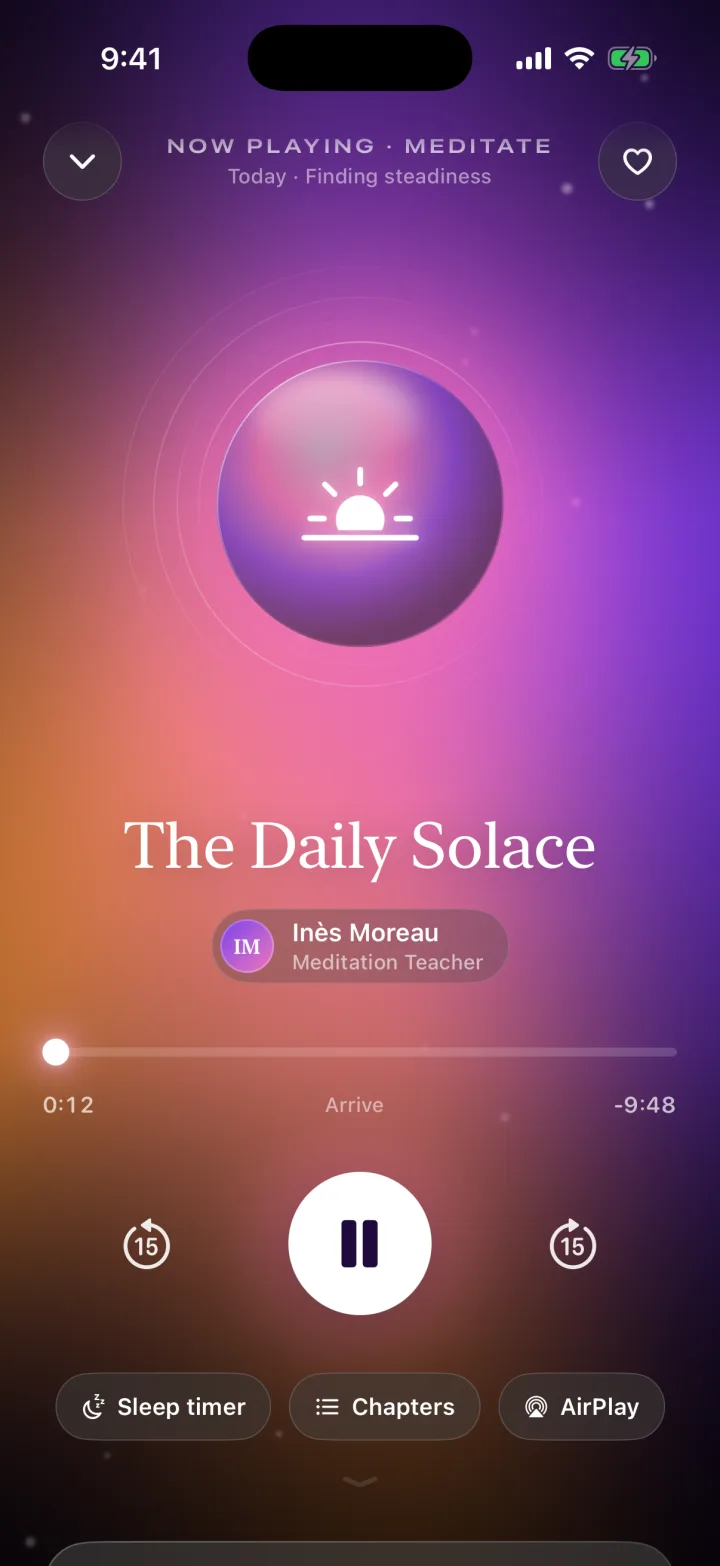
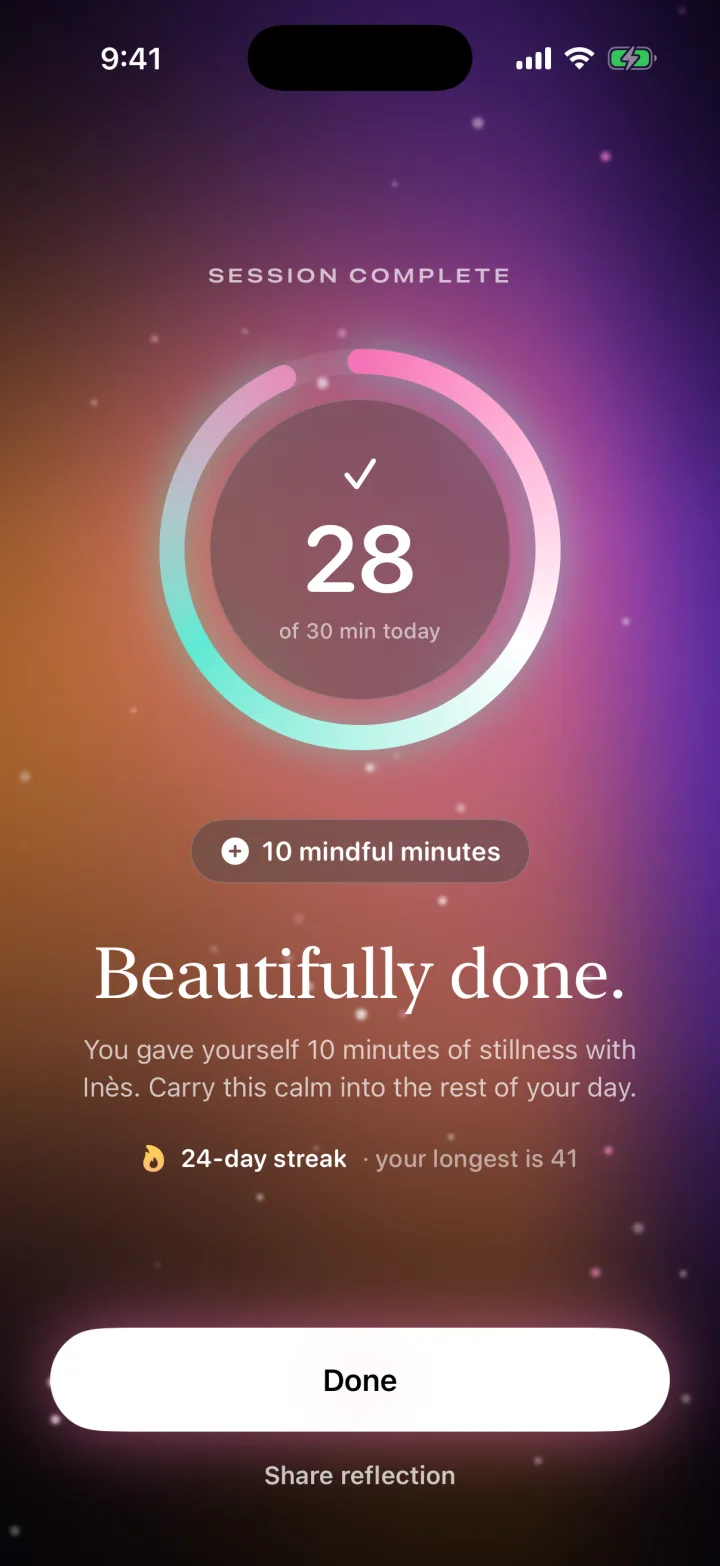
The full-screen player pulses the orb in time with the session, with a scrubber, chapters and AirPlay. Finishing lands on a “Beautifully done.” ring and your streak.
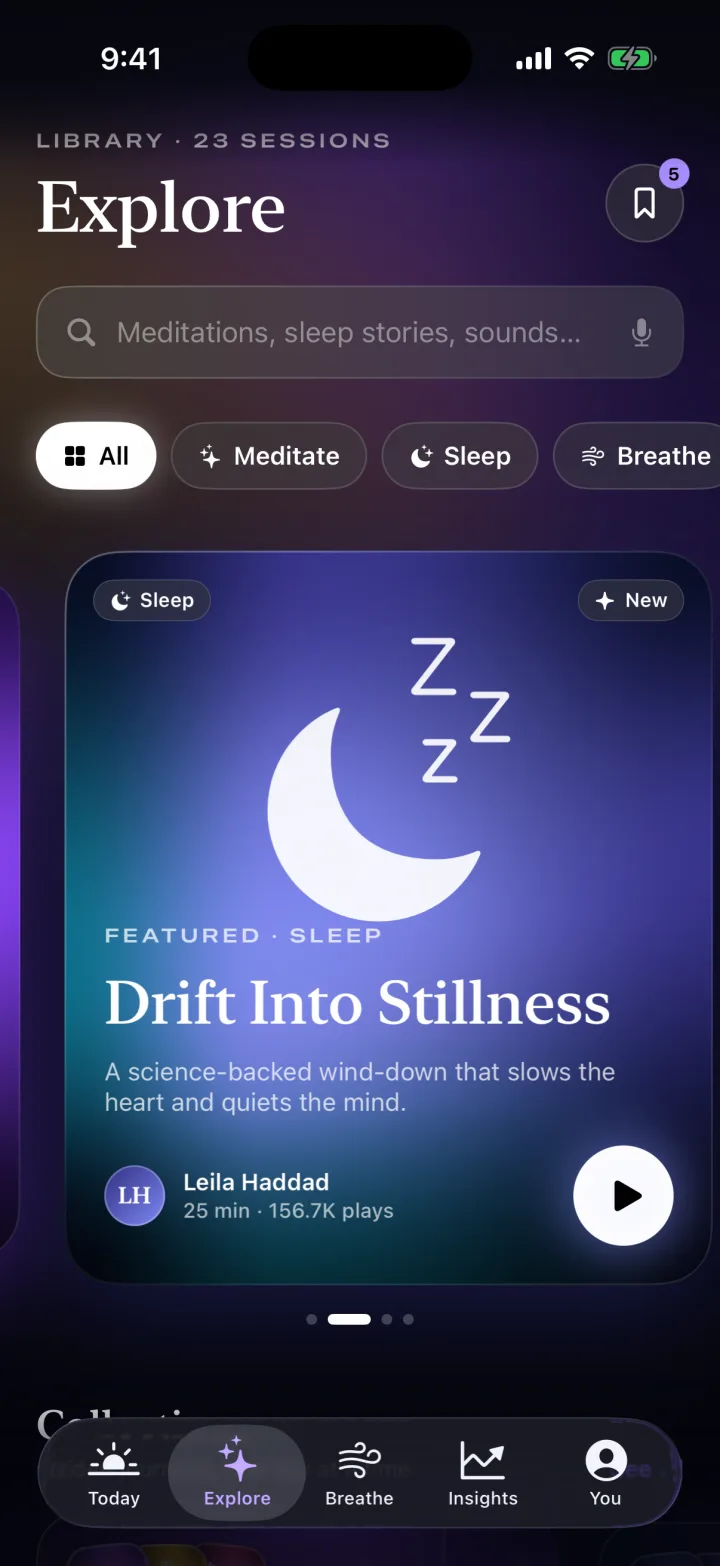
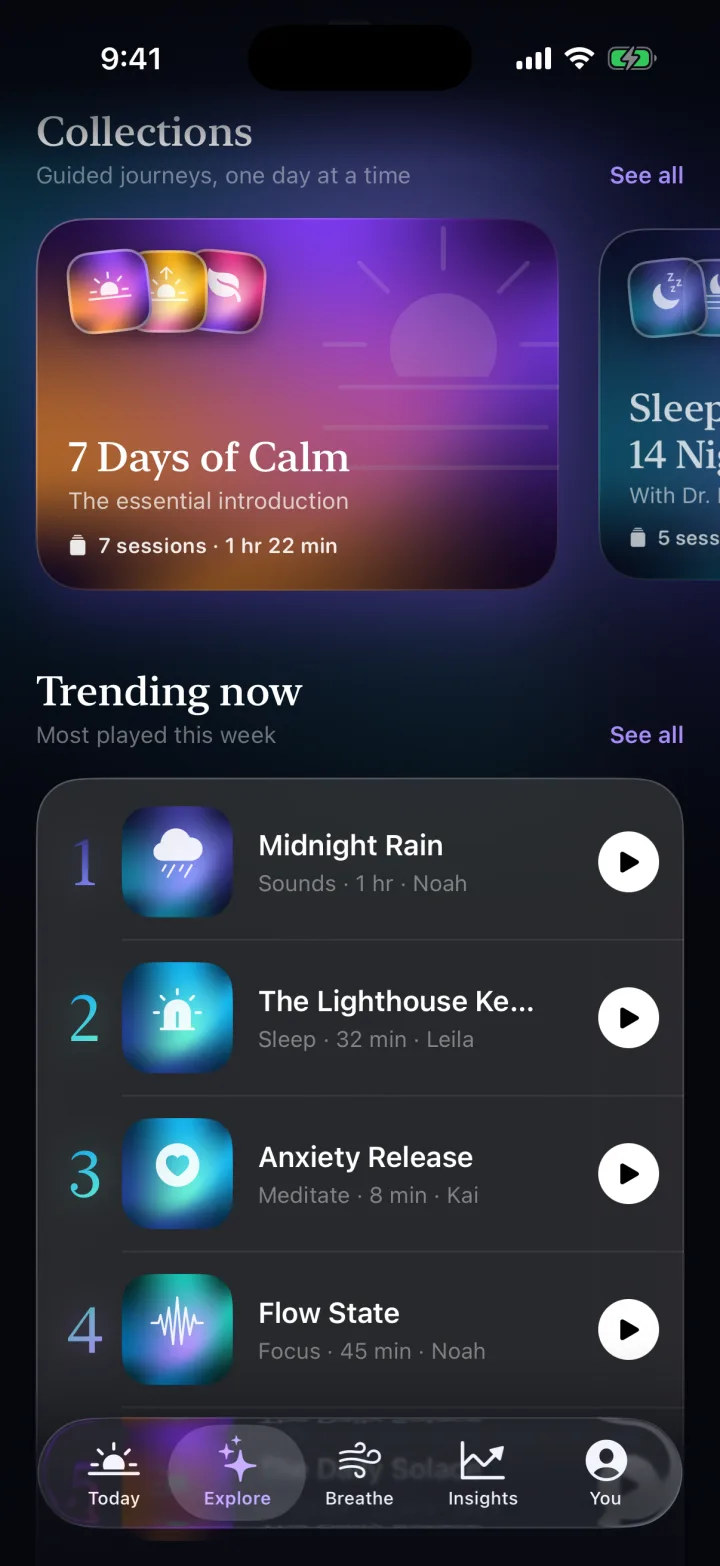
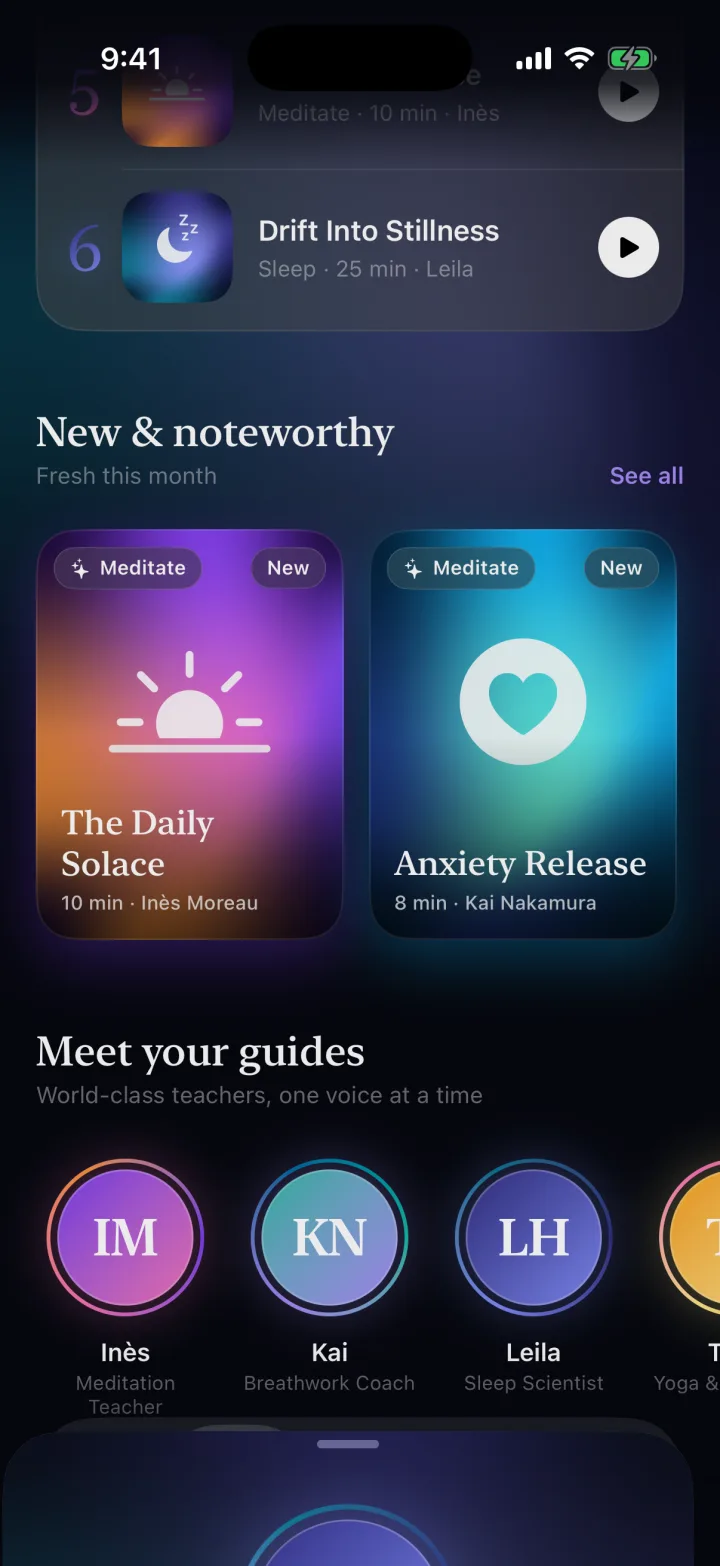
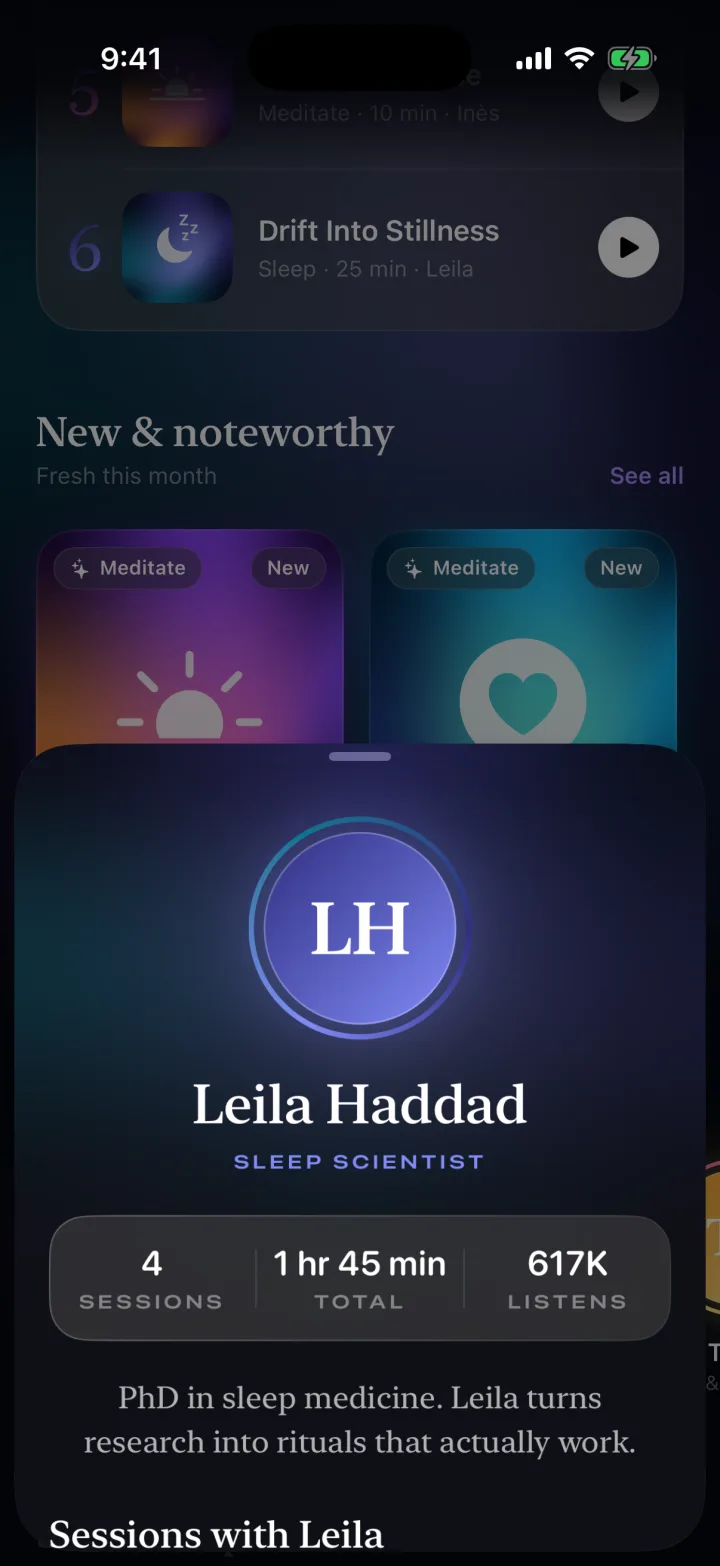
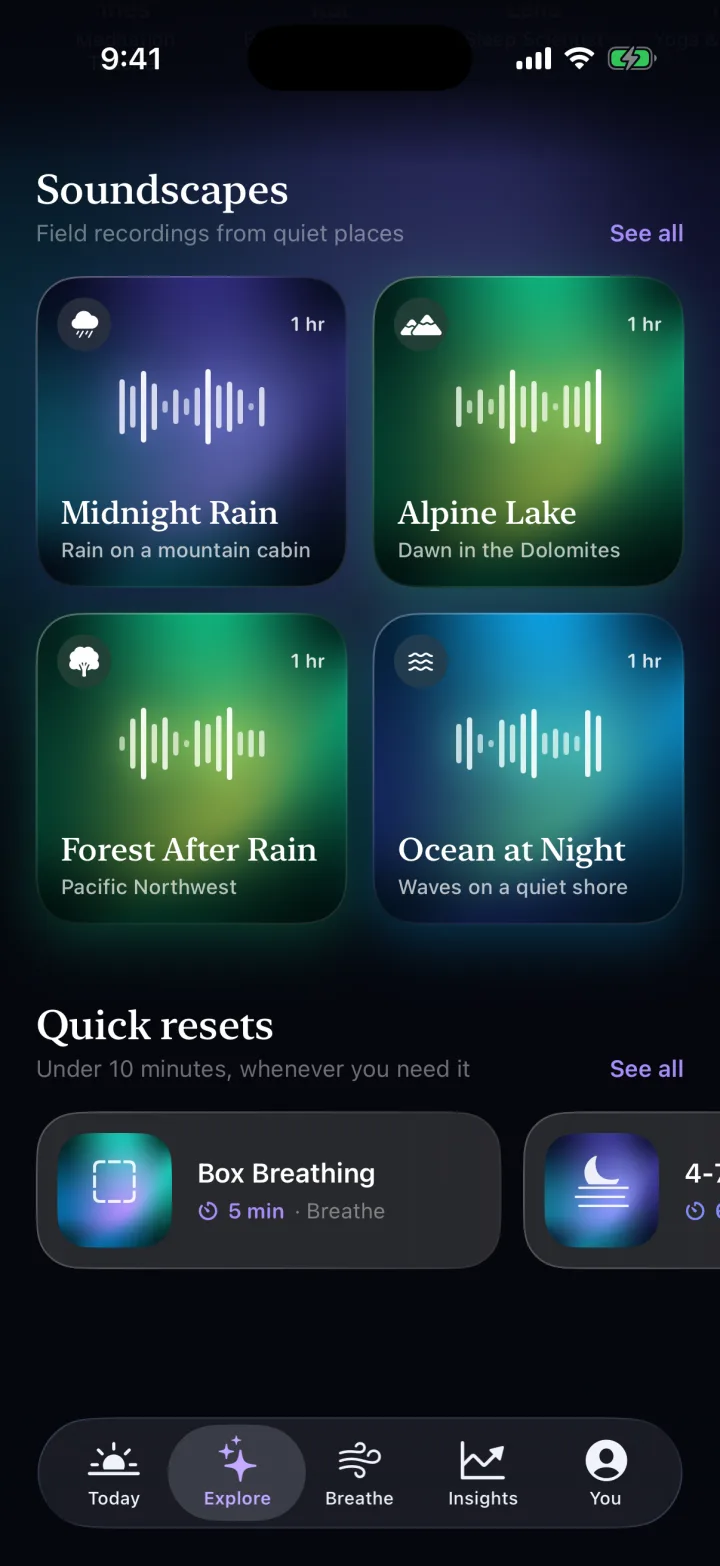
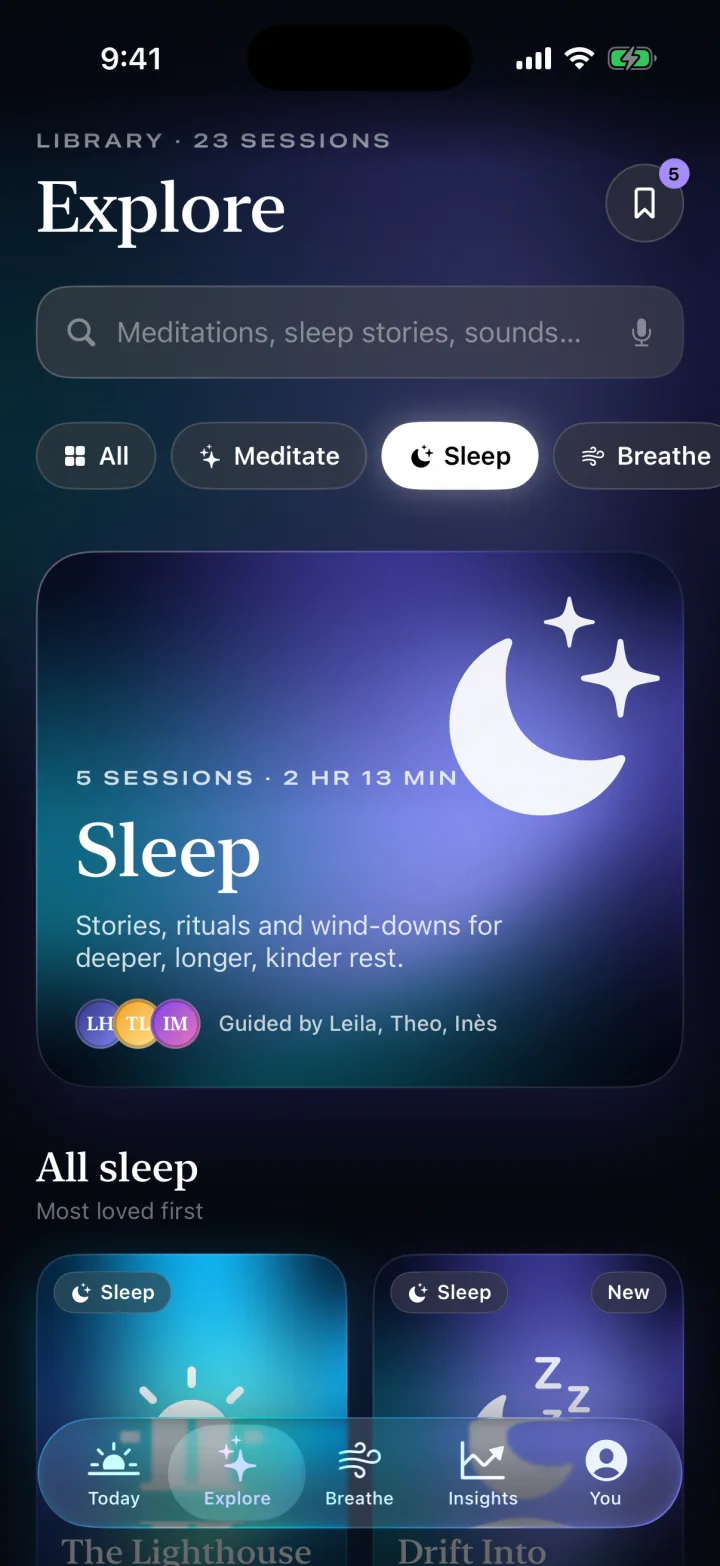
A featured carousel, kind filters, collections, Trending, guides with a coach sheet, soundscapes with live equalizers, and a dedicated Sleep category.
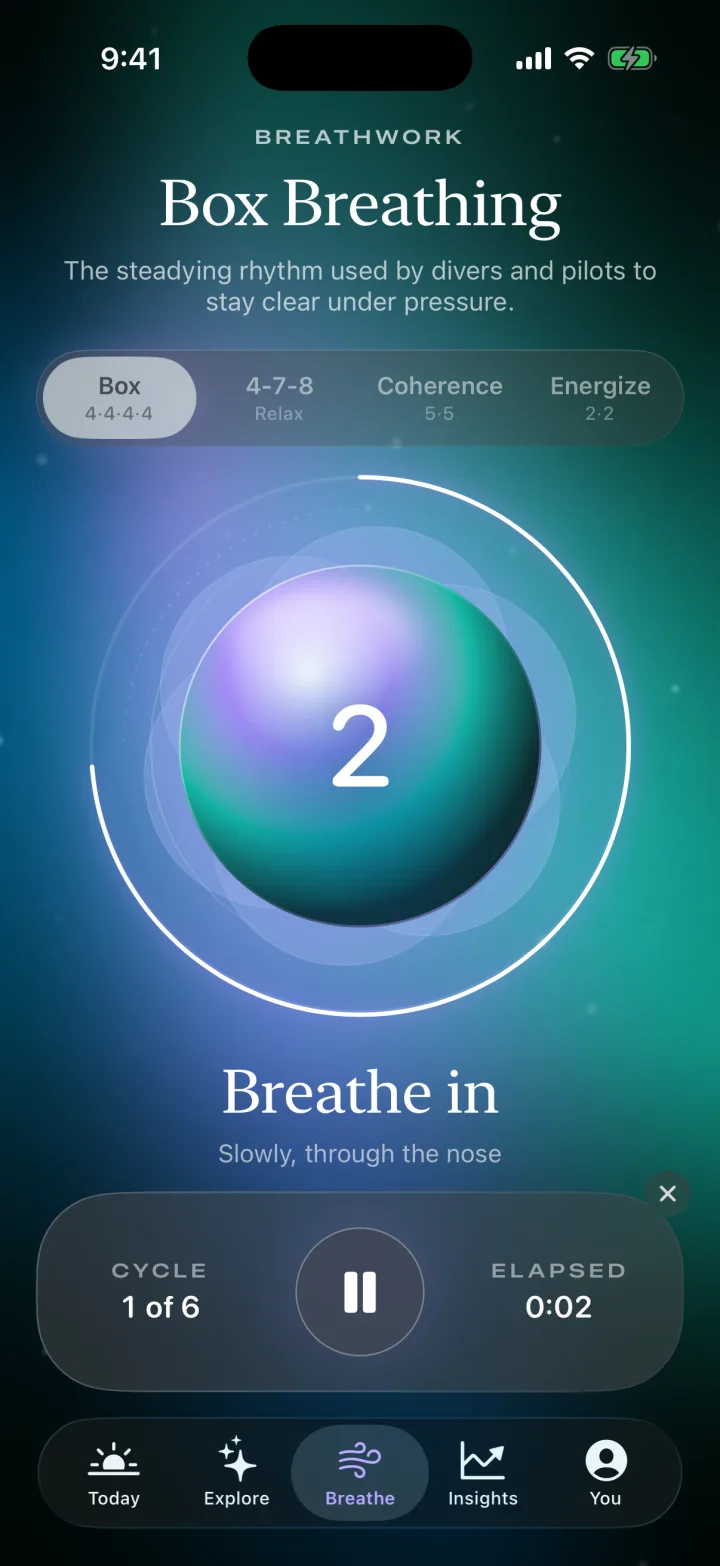
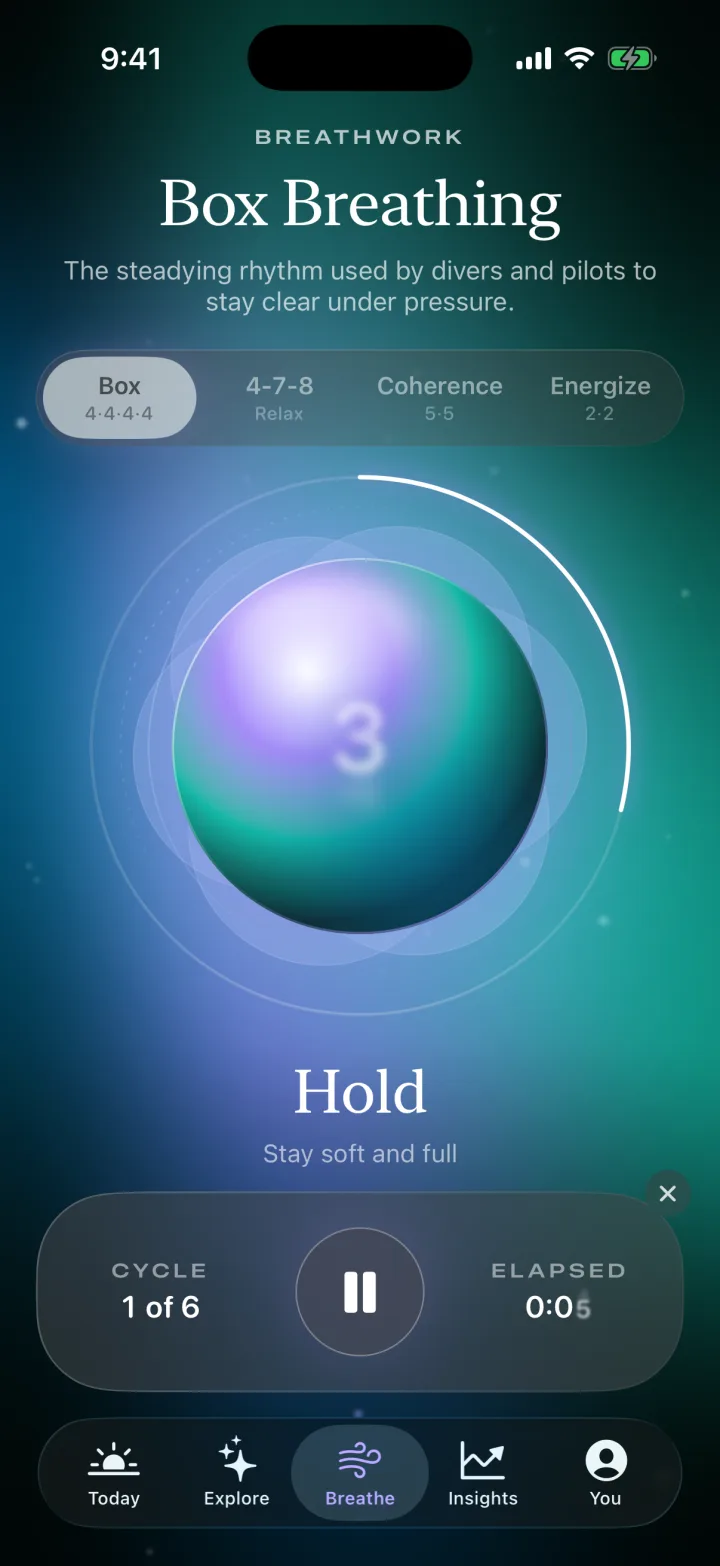
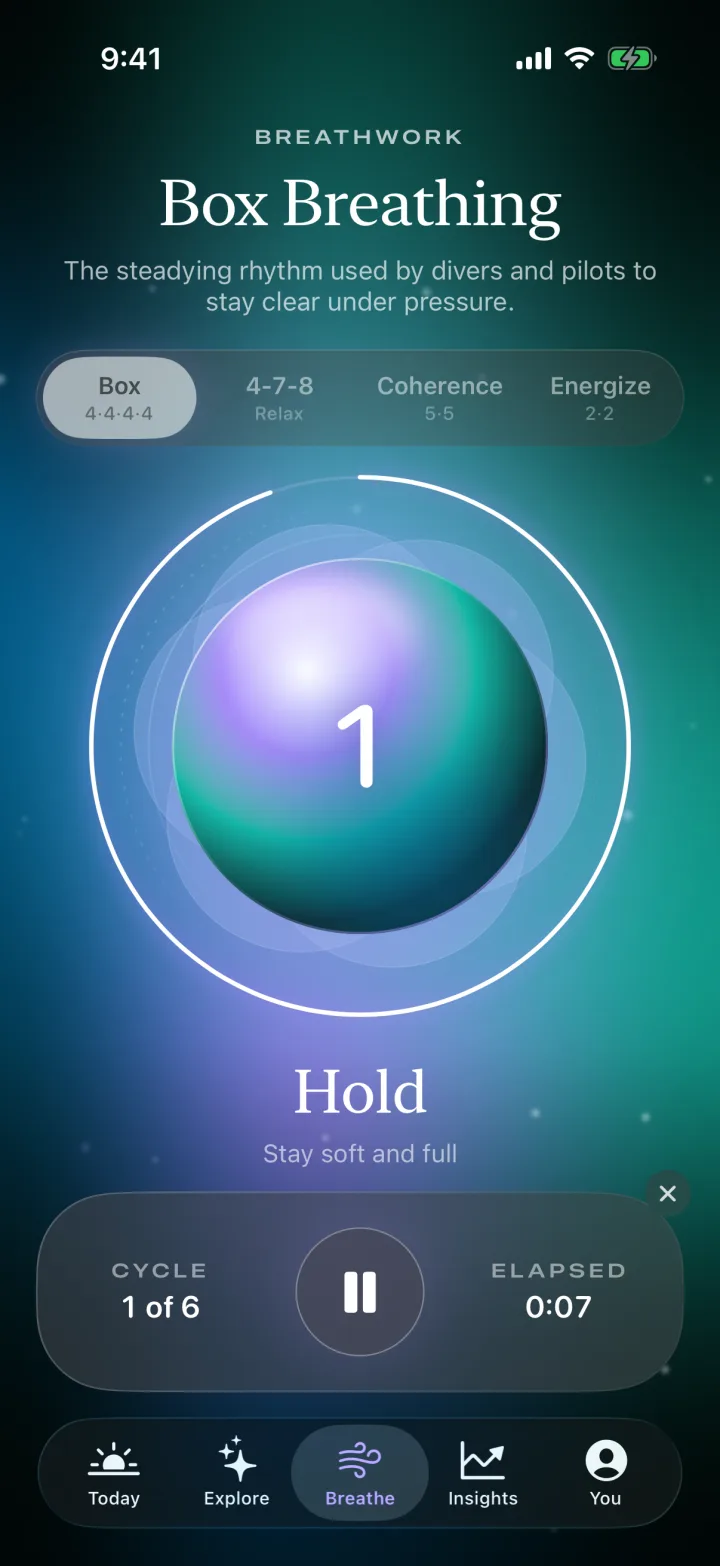
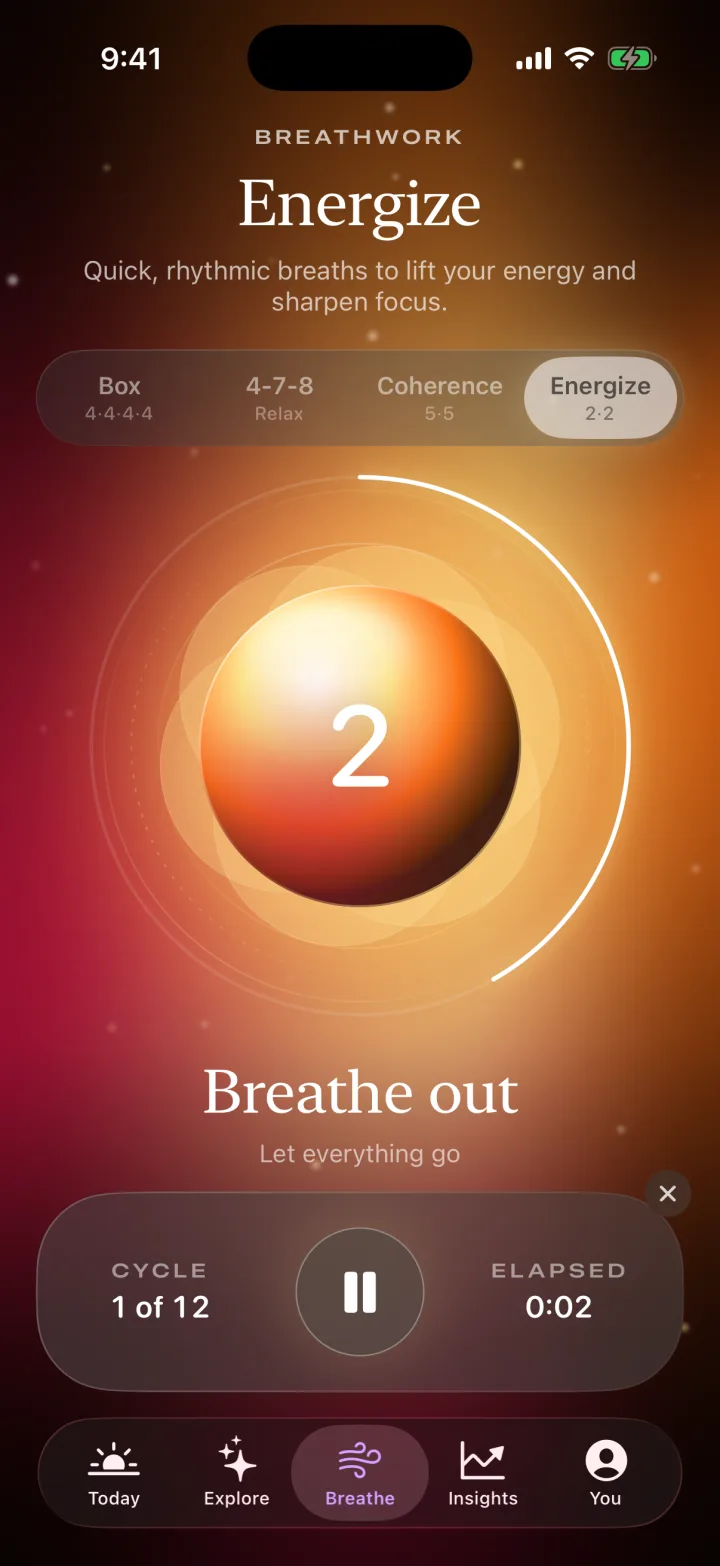
Four techniques: Box 4·4·4·4, 4-7-8, Coherence 5·5 and Energize 2·2. The orb expands and contracts on a phase-timed engine, counts down each phase and fires a haptic as it changes.
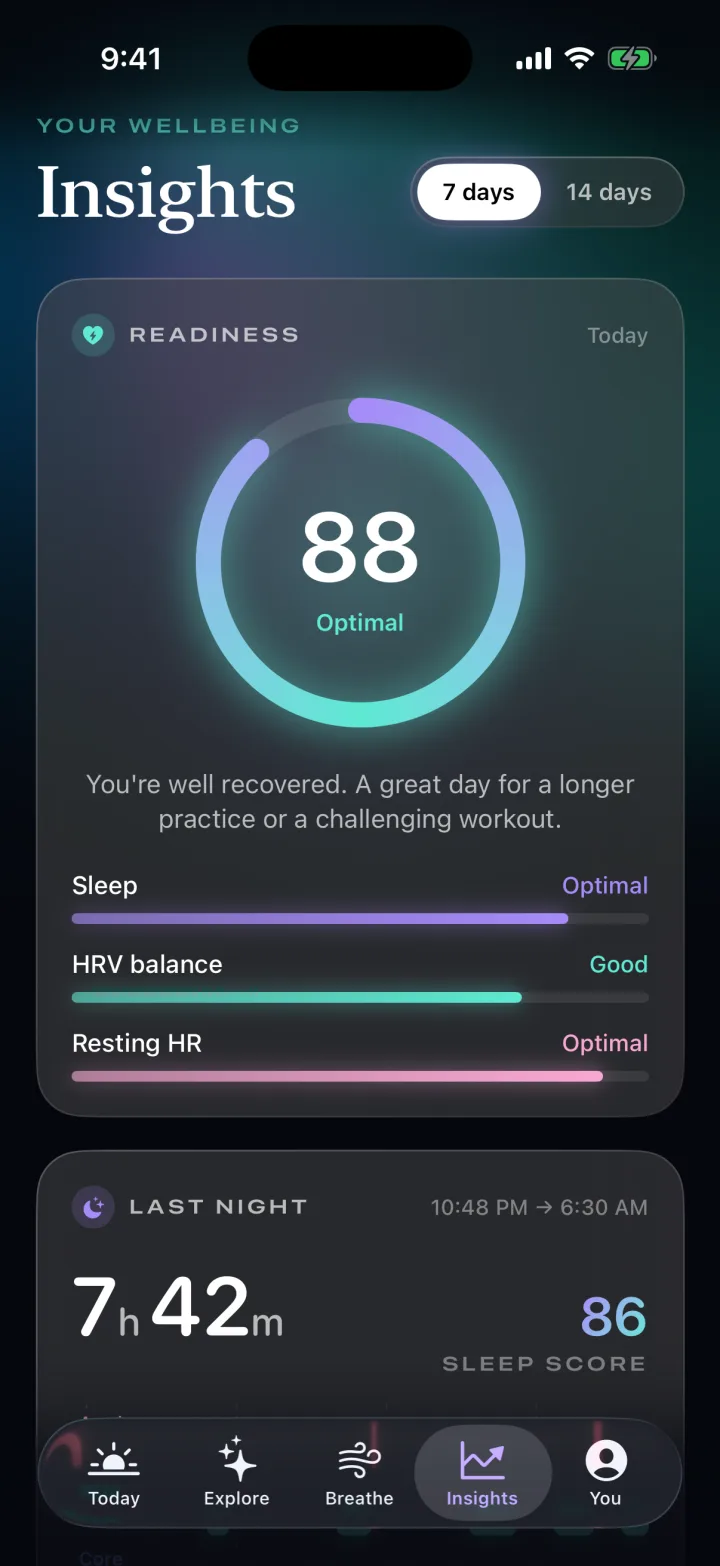
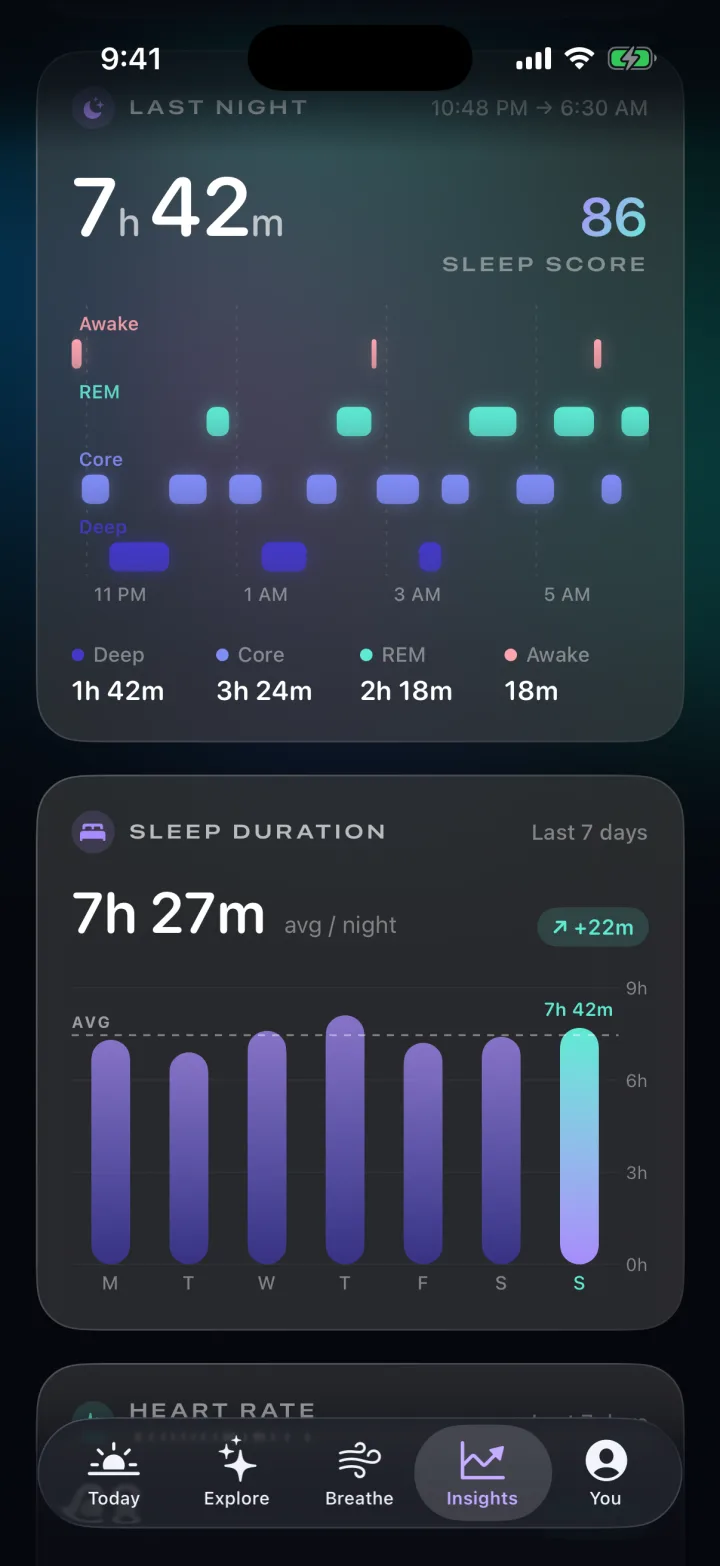
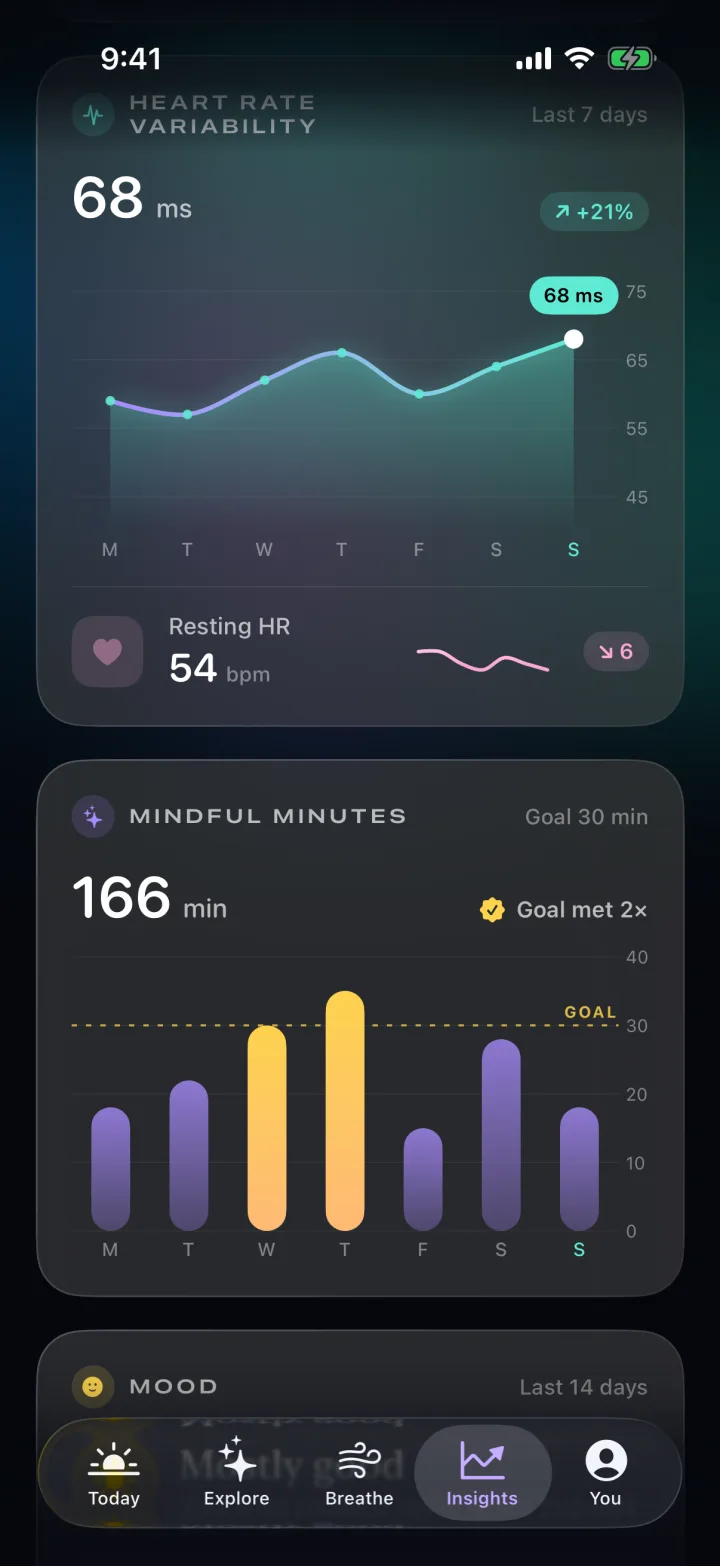
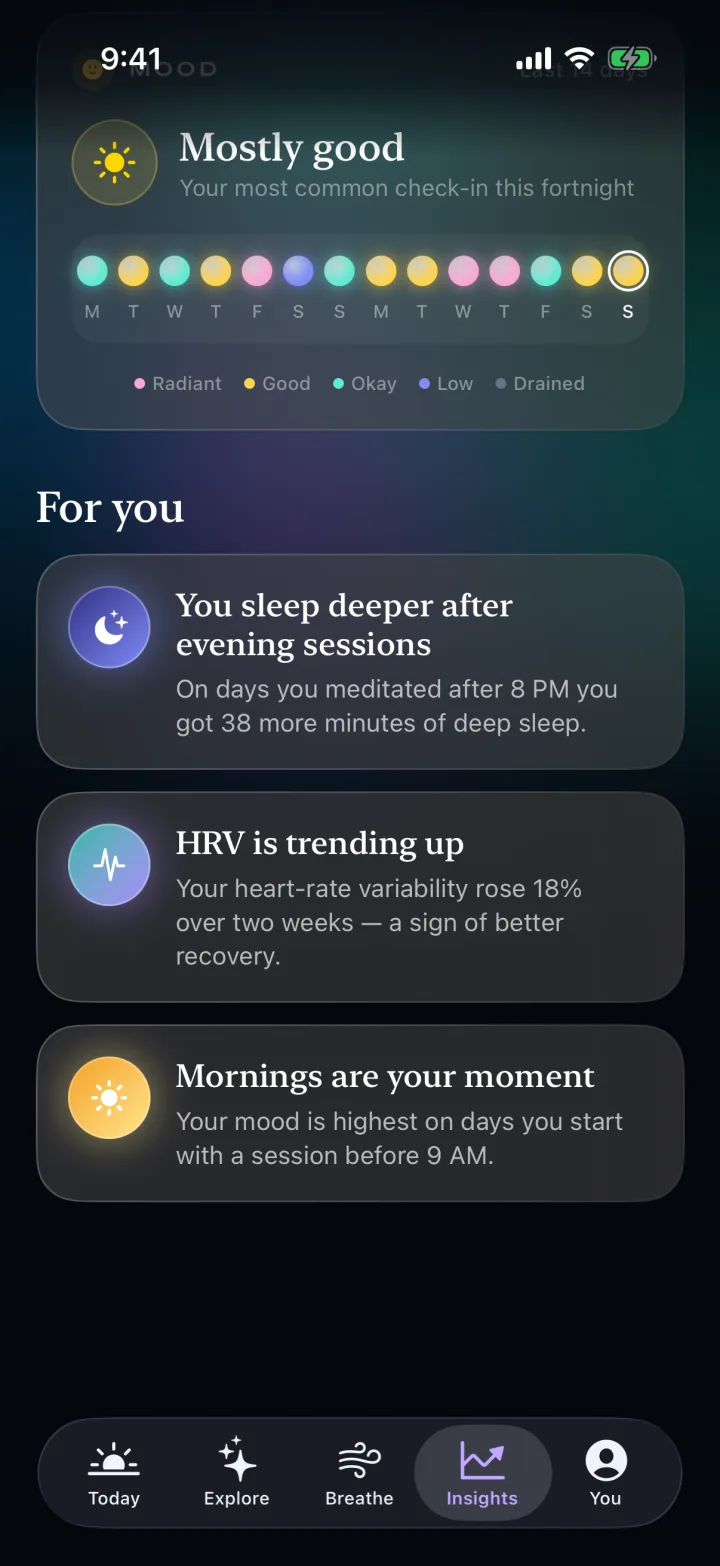
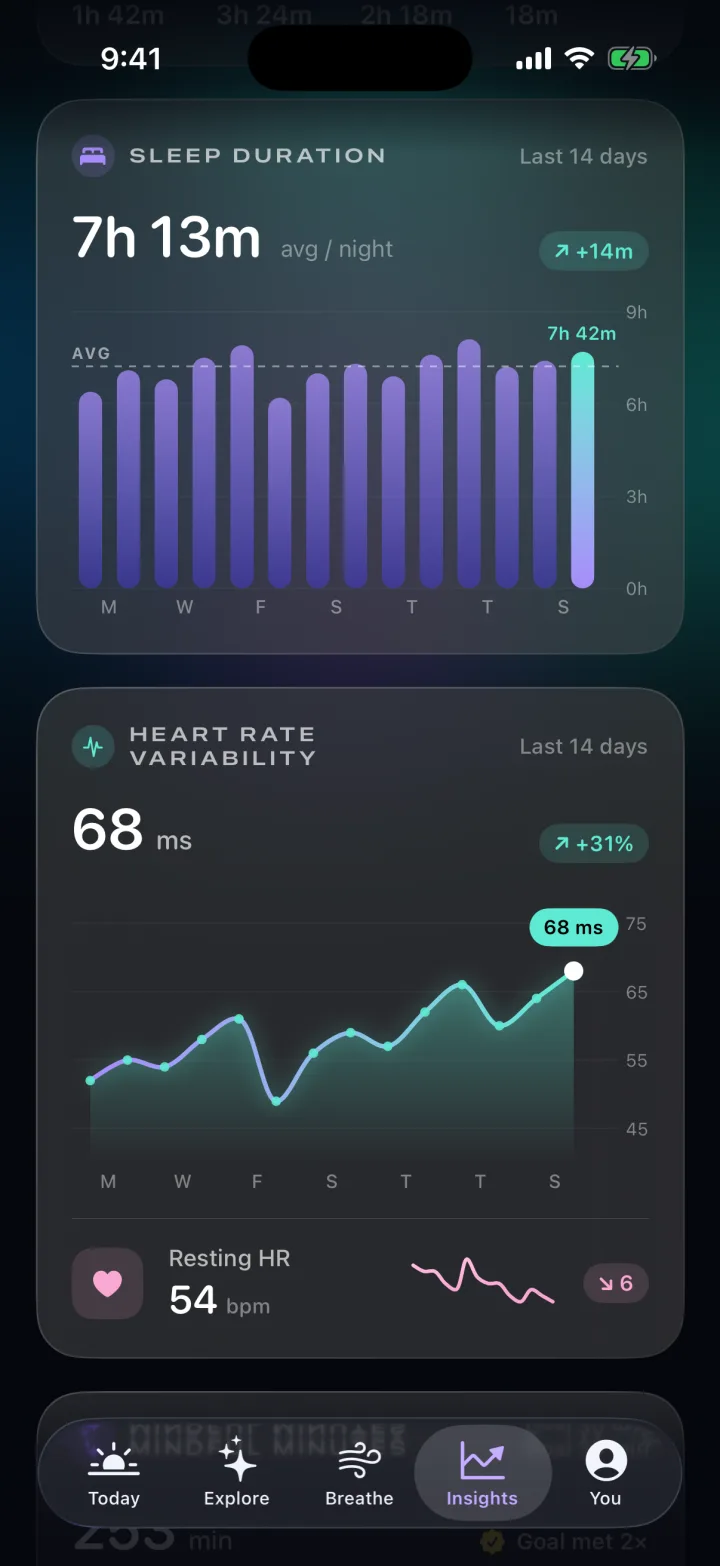
A readiness ring, a custom sleep hypnogram, sleep duration bars, an HRV line and area chart, mindful minutes against goal and 14 days of mood dots, all animated across 7 and 14-day ranges.
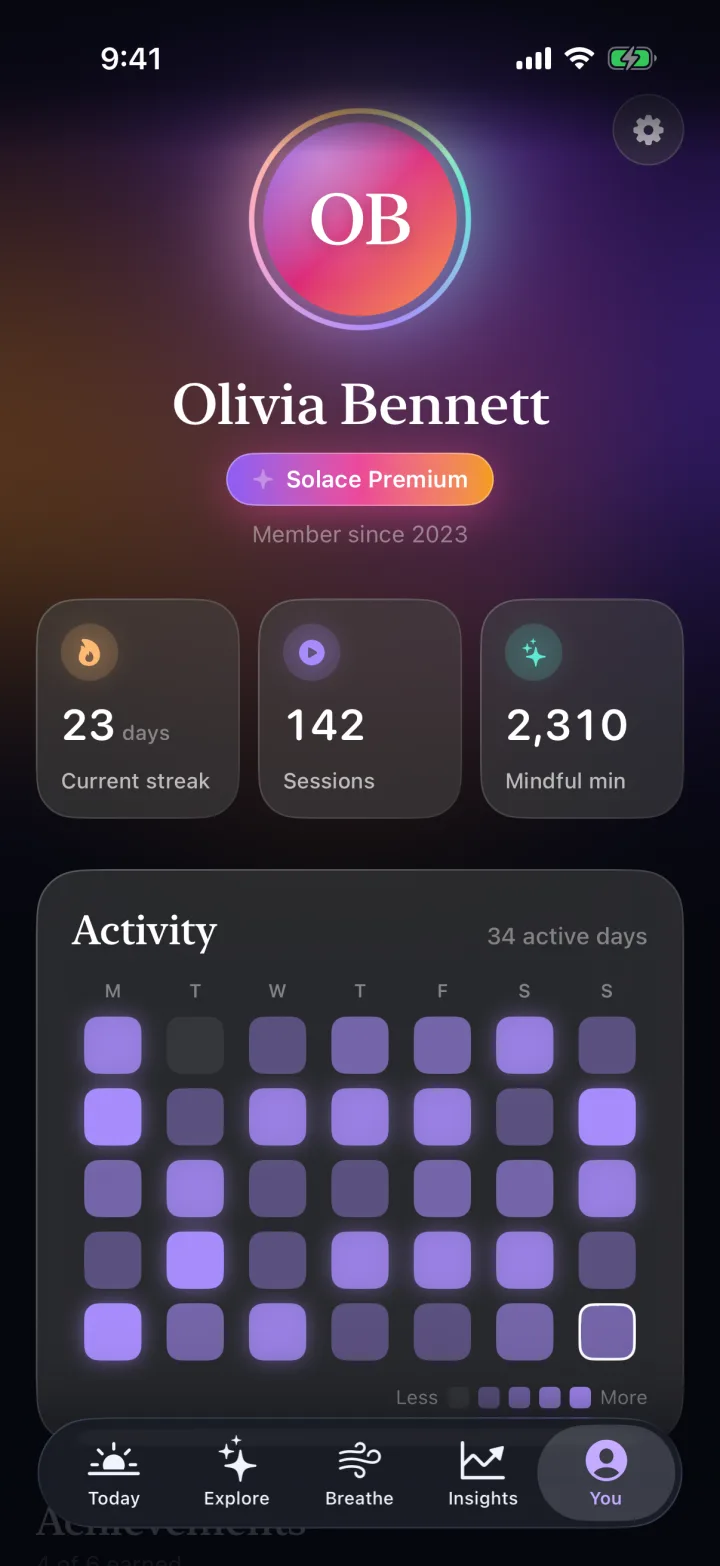
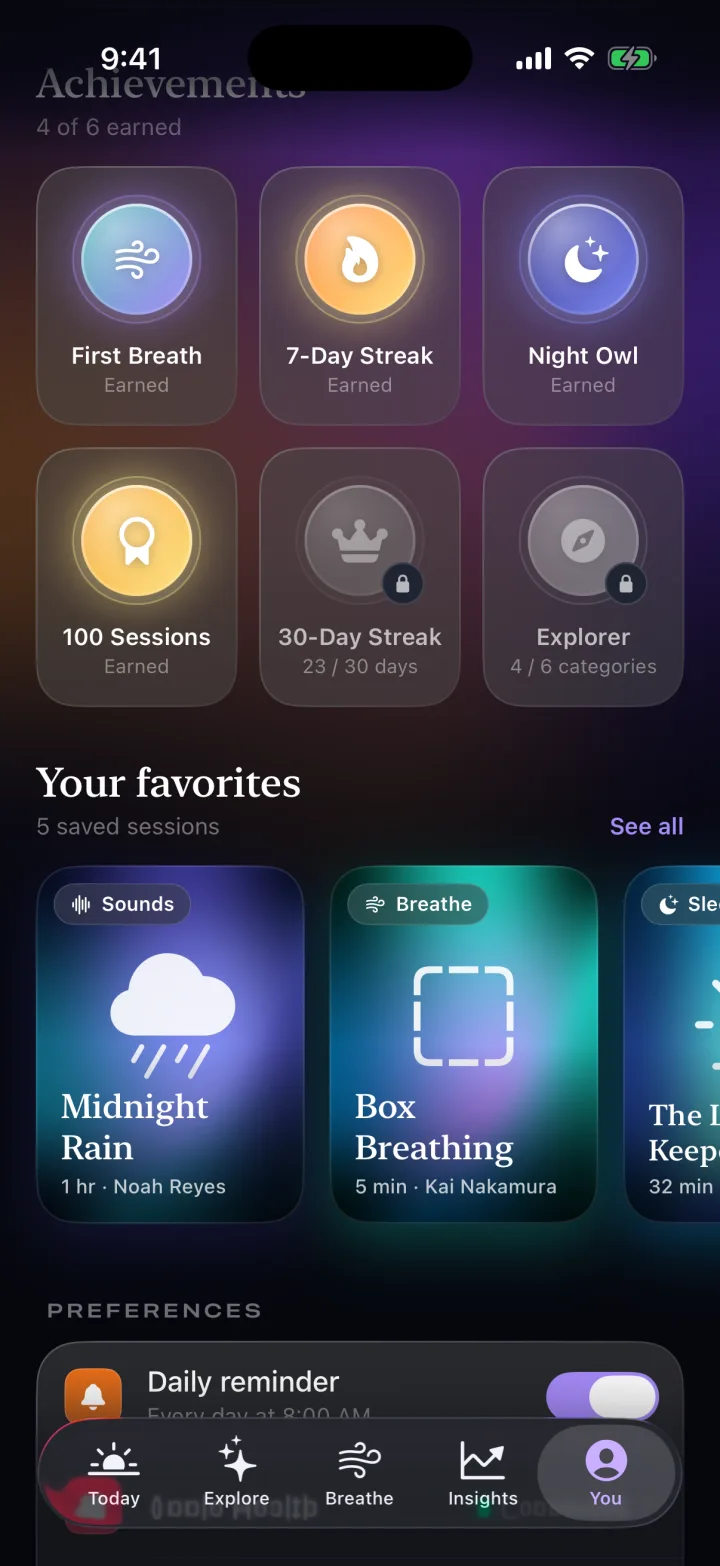
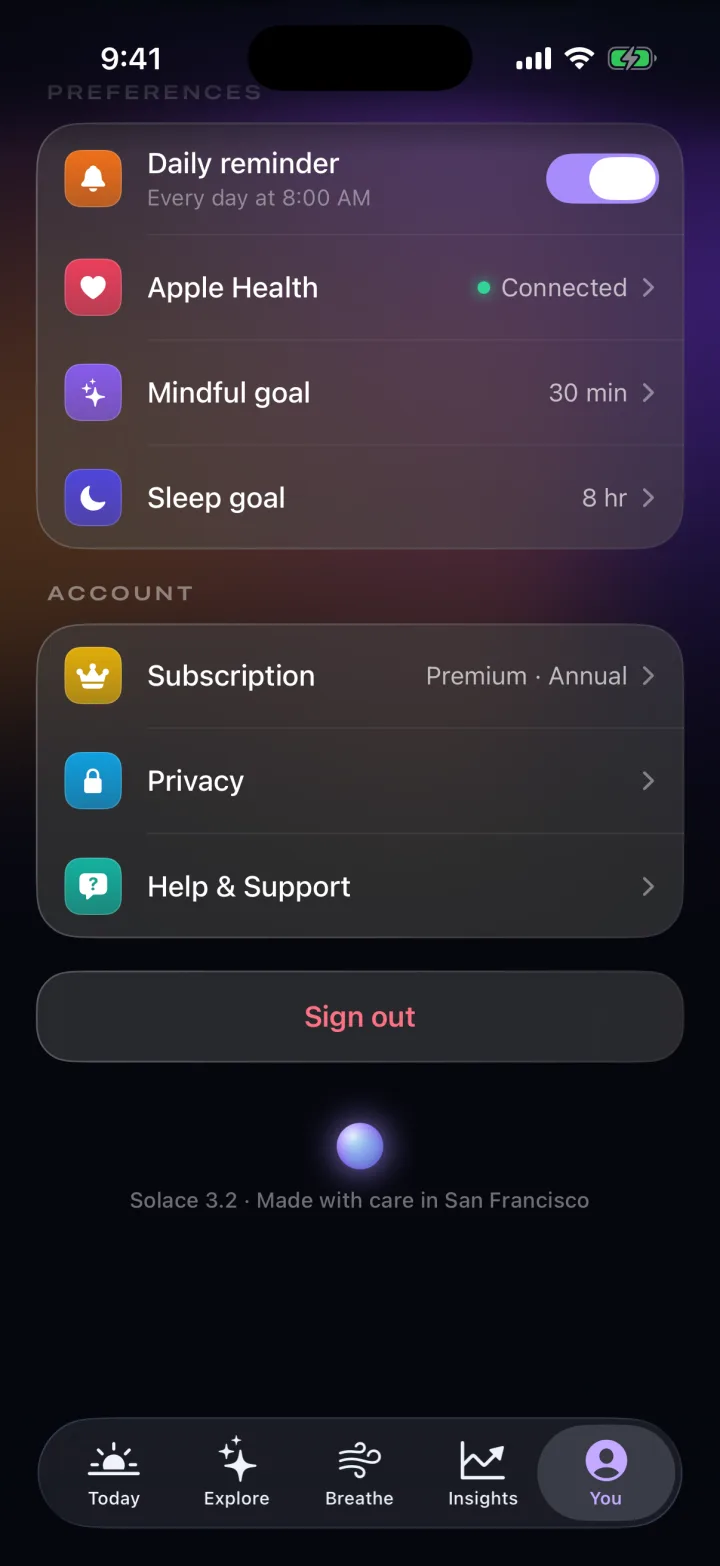
A profile with a streak heatmap, achievements that unlock with symbol effects, favourites and settings for reminders, goals and Apple Health.
Modern SwiftUI end to end, with no third-party UI libraries. All data is static and mocked so the craft stays front and centre.
The background is an iOS 18 MeshGradient whose centre control point drifts on a TimelineView. It costs one view, never repeats exactly, and sits behind every screen.
struct Aurora: View {
    var body: some View {
        TimelineView(.animation) { context in
            let t = context.date.timeIntervalSinceReferenceDate
            MeshGradient(width: 3, height: 3, points: [
                [0, 0], [0.5, 0], [1, 0],
                [0, 0.5], drift(t), [1, 0.5],
                [0, 1], [0.5, 1], [1, 1]
            ], colors: Palette.aurora)
            .ignoresSafeArea()
        }
    }
}Rings and stats animate their digits instead of snapping.
Text(minutes, format: .number)
  .contentTransition(
    .numericText())
  .animation(.snappy,
value: minutes)Each technique is data. The engine walks its phases with structured concurrency, driving the orb scale, the countdown and a haptic on every change.
static let box = Technique("Box", [
    (.inhale, 4), (.hold, 4), (.exhale, 4), (.hold, 4)
])

func run(_ technique: Technique) async {
    for (phase, seconds) in technique.pattern {
        self.phase = phase      // orb: 0.62 ↔ 1.0
        tick.toggle()           // haptic trigger
        for left in stride(from: seconds, to: 0, by: -1) {
            countdown = left
            try? await Task.sleep(for: .seconds(1))
        }
    }
}Sleep stages are RectangleMarks on a time axis; HRV is a catmull-rom LineMark over a gradient AreaMark, with a RuleMark for the goal.
Chart(night.stages) { stage in
    RectangleMark(
        xStart: .value("Start", stage.start),
        xEnd: .value("End", stage.end),
        y: .value("Stage", stage.kind.label),
        height: .fixed(10))
    .foregroundStyle(stage.kind.color)
    .clipShape(.capsule)
}

LineMark(x: .value("Day", day.date, unit: .day),
         y: .value("HRV", day.ms))
.interpolationMethod(.catmullRom)A small design system keeps 30 screens consistent: a glassCard modifier, a reusable ProgressRing and SessionArtwork that renders every session cover from gradients and symbols.
extension View {
    func glassCard(radius: CGFloat = 28) -> some View {
        padding(20)
            .background(.ultraThinMaterial, in: .rect(cornerRadius: radius))
            .overlay {
                RoundedRectangle(cornerRadius: radius)
                    .strokeBorder(.white.opacity(0.12))
            }
    }
}This is QA-automation thinking applied to marketing assets. A launch argument puts the app in demo mode, a driver walks the real UI, and OSLog markers tell a recorder exactly when to grab each frame. When the design changes, every asset is regenerated with one command.
-demoMode launch argumentSHOT markerssimctl records and snaps on cue30 screens + a 1:42 walkthrough, zero hand-edited frames
import OSLog

let demo = Logger(subsystem: "com.aya.solace", category: "demo")

if CommandLine.arguments.contains("-demoMode") {
    Task { await DemoDriver(store: store).run() }
}

// DemoDriver drives the real UI, then marks the frame
await show(.breathe(.box, phase: .inhale))
demo.notice("SHOT 19-breathe-inhale")xcrun simctl io booted recordVideo demo.mov &
xcrun simctl launch --console booted com.aya.solace -demoMode |
while read line; do # every SHOT marker = one frame
[[ $line == *SHOT* ]] || continue
xcrun simctl io booted screenshot "${line##* }.png"
doneEvery tab, sheet and transition, recorded straight from the iOS simulator by the automated demo driver.
Muted · 1:42 · 590×1280 simulator capture